Try the latest PoloX AI Agent
One creative workspace for your next idea.

INDEPENDENT GUIDE · InVideo AI

InVideo AI Script Studio: Build a Clear Visual Story

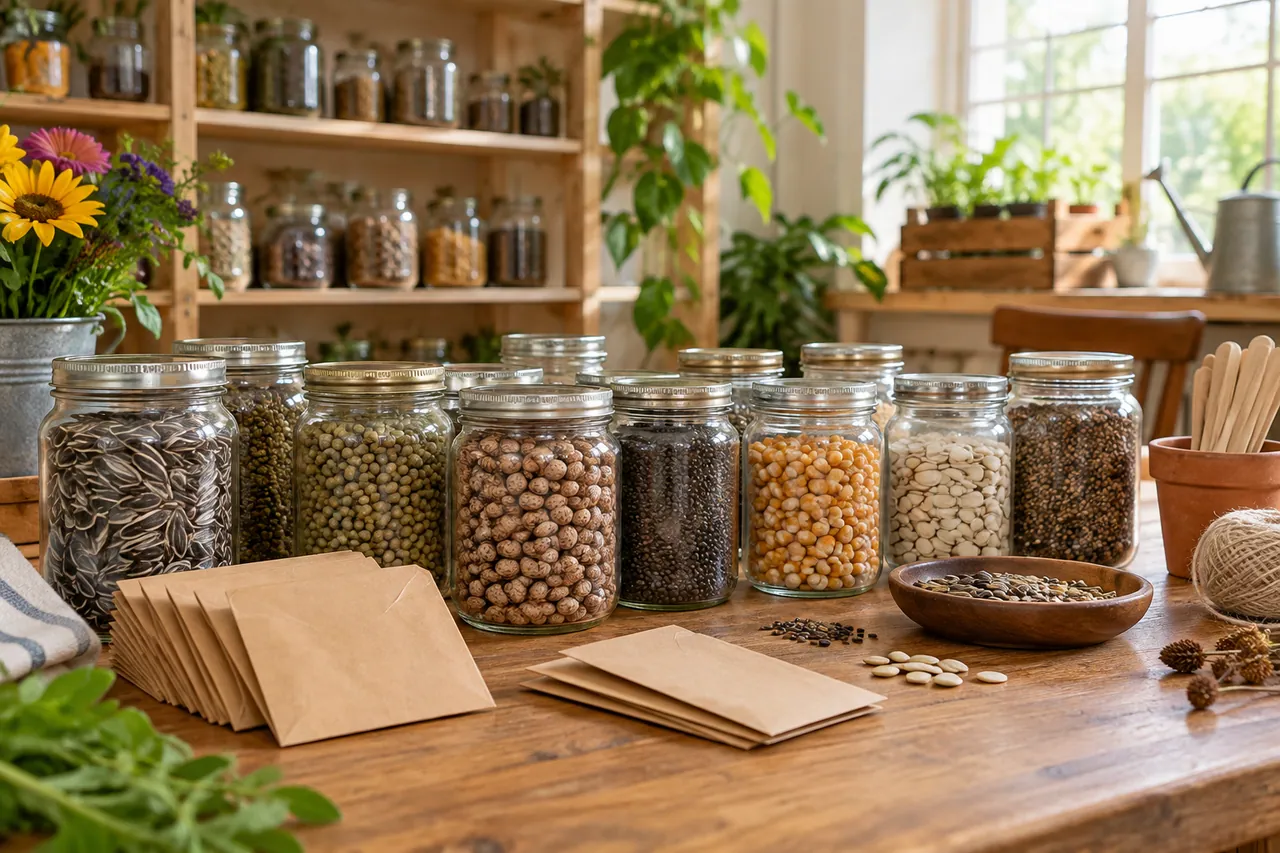
An InVideo AI explainer needs a clear information order before it needs a polished voice. Our seed-library example explains a small community service: choose seeds, grow something and return a new contribution later. The opening image introduces the collection; the close-up shows the handoff. Each scene carries one idea, making it easier to write narration that adds meaning instead of describing everything already visible.

A community seed library with orderly plain glass jars and small blank kraft envelopes on a wooden table.
AI-generated concept illustration for this independent InVideo AI guide. A community seed library with orderly plain glass jars and small blank kraft envelopes on a wooden table.

THE BRAND & THE BRIEF

Explore InVideo AI with a clear creative goal

InVideo offers AI-assisted video creation and editing tools for turning ideas into finished sequences. This page focuses on AI video scripts, scene briefs and narration through an original exercise: a community seed-library explainer.

Use the examples to plan your own tests. They are editorial concept illustrations created for this guide, not screenshots, product benchmarks or outputs generated by InVideo AI.

Visit the official InVideo AI website ↗

01 / VISUAL DIRECTION

Two image prompts for a community seed-library explainer

Use the first composition to establish the idea and the second to explore a related detail. Adapt the wording and reference inputs to the tool you choose; these prompts describe the creative intent, not a guaranteed result.

PROMPT 01

Establish the visual idea

A community seed library with orderly plain glass jars and small blank kraft envelopes on a wooden table, bright welcoming documentary-style photography. One coherent composition with a clear focal point and natural material detail. Landscape framing. No text, logos, watermarks or decorative borders.

PROMPT 02

Develop the supporting view

Two adult hands placing plain seed envelopes into a small wooden drawer, gardening gloves and a terracotta seedling pot nearby, natural close-up photograph. One coherent composition with a clear focal point and natural material detail. Landscape framing. No text, logos, watermarks or decorative borders.

02 / MAKE THE DECISIONS

A practical InVideo AI workflow

01

Write the viewer’s question

Begin with the question a first-time visitor would ask: how does a seed library work? Answer it in three short beats. Keep local opening hours, borrowing rules and species advice out of the script until a real organizer has verified them.

02

Match words to evidence

Use the jars and envelopes to explain choice, then the drawer detail to explain organization. If the script mentions planting, include an appropriate planting shot. Do not expect a generic garden image to support a specific instructional claim.

03

Review with the sound off

Watch a rough assembly silently to see whether the sequence is understandable. Then listen without the picture to check sentence length and jargon. Captions should preserve essential information when a viewer cannot hear the narration.

Two adult hands placing plain seed envelopes into a small wooden drawer.
AI-generated supporting concept. Two adult hands placing plain seed envelopes into a small wooden drawer.

03 / REVIEW BEFORE EXPANDING

What to check in your InVideo AI creative brief

A long paragraph pasted into a video brief can produce too many competing scenes. Split the explanation into visible actions first. Avoid showing invented labels as if they were actual seed varieties or local rules. Add confirmed names and practical instructions during the edit, where they remain easy to correct.

Keep the source prompt, selected reference and revision note together. Compare the next version at its intended display size, and record the specific improvement you want before generating another variation.

PRACTICAL ANSWERS

InVideo AI creative planning questions

What is a useful first script length?

Start with a short explanation that contains one opening question, three visible steps and one next action. Expand only when a missing step prevents the audience from understanding the process.

Should every sentence create a new scene?

No. Several related sentences can share a stable scene if the visual remains relevant. Change shots when the idea changes or a detail needs closer attention.

THE CREATIVE NOTEBOOK

Learn with InVideo AI

Explore a focused tutorial, a practical prompt guide and a real-world planning exercise. Each guide includes an original brief and a checklist for reviewing your result.

Independent educational content. This website is not the official InVideo AI service. For current model availability, account features and plans, check the official website linked above.

YOUR NEXT CREATIVE STEP

Try PoloX AI Agent

Turn your ideas into images, videos, and more through conversation. Describe what you want to create and start on PoloX.

EXPLOREGPT Image 2.5
Sunburst & Flare
Try PoloX AI Agent